Watchlists
Watchlists group symbols you care about. They replaced the older "Recently Viewed" panel — you can have multiple named watchlists, each containing equity tickers and (optionally) specific options contracts.
Keybindings
| Key | Action |
|---|---|
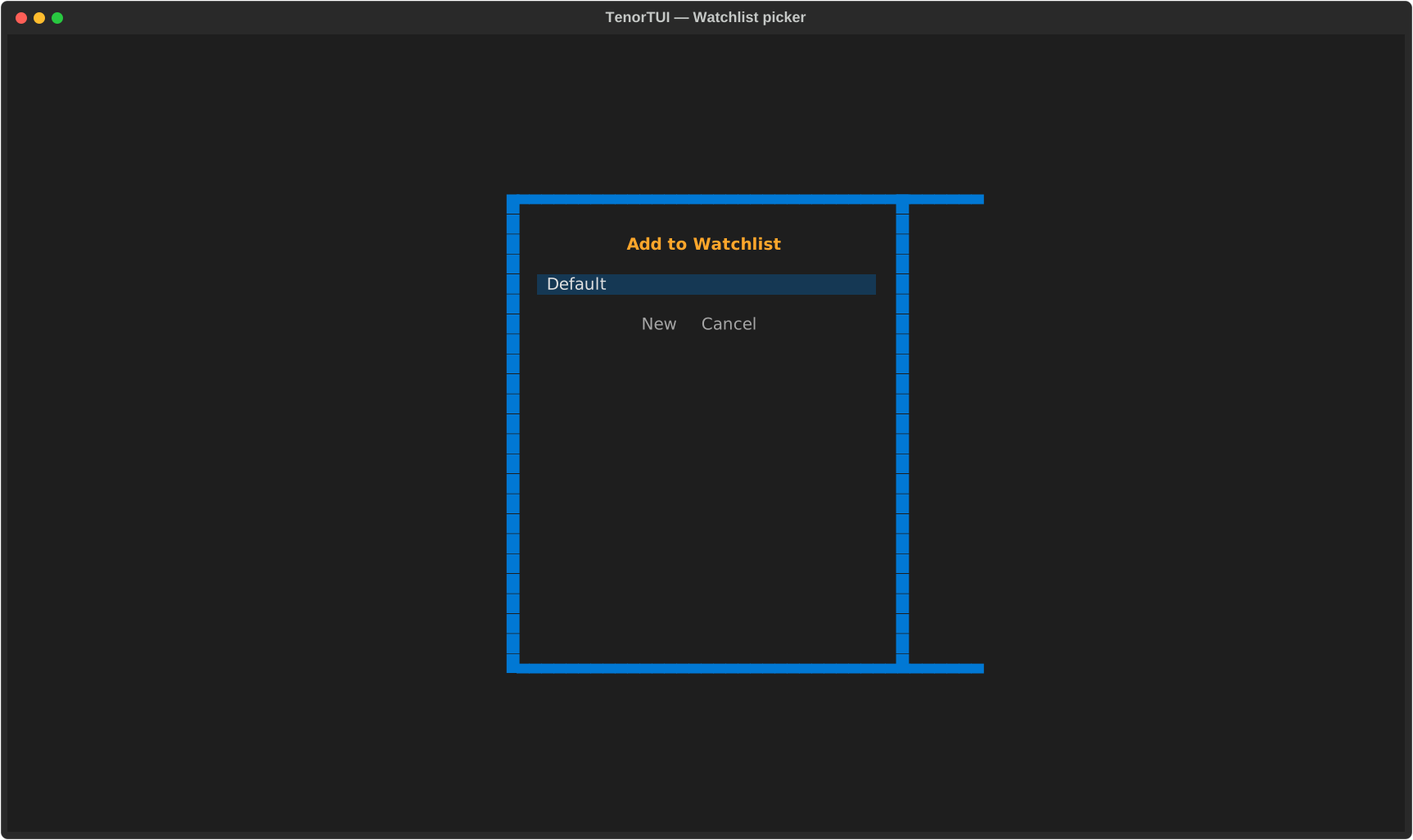
| w | Open the watchlist picker (add current symbol to a list) |
| W | Open the watchlist manager (create / rename / delete lists) |
| d | Delete the focused symbol from its list |
| S | Sort the focused list (cycles through symbol / price / change / volume) |
Persistence
Watchlists are stored in ~/.config/tenor/watchlists.json. The file is JSON,
human-readable, and safe to edit by hand if you want.
Demo