Quickstart
This guide walks you through your first 60 seconds with TenorTUI.
1. Launch
tenortui
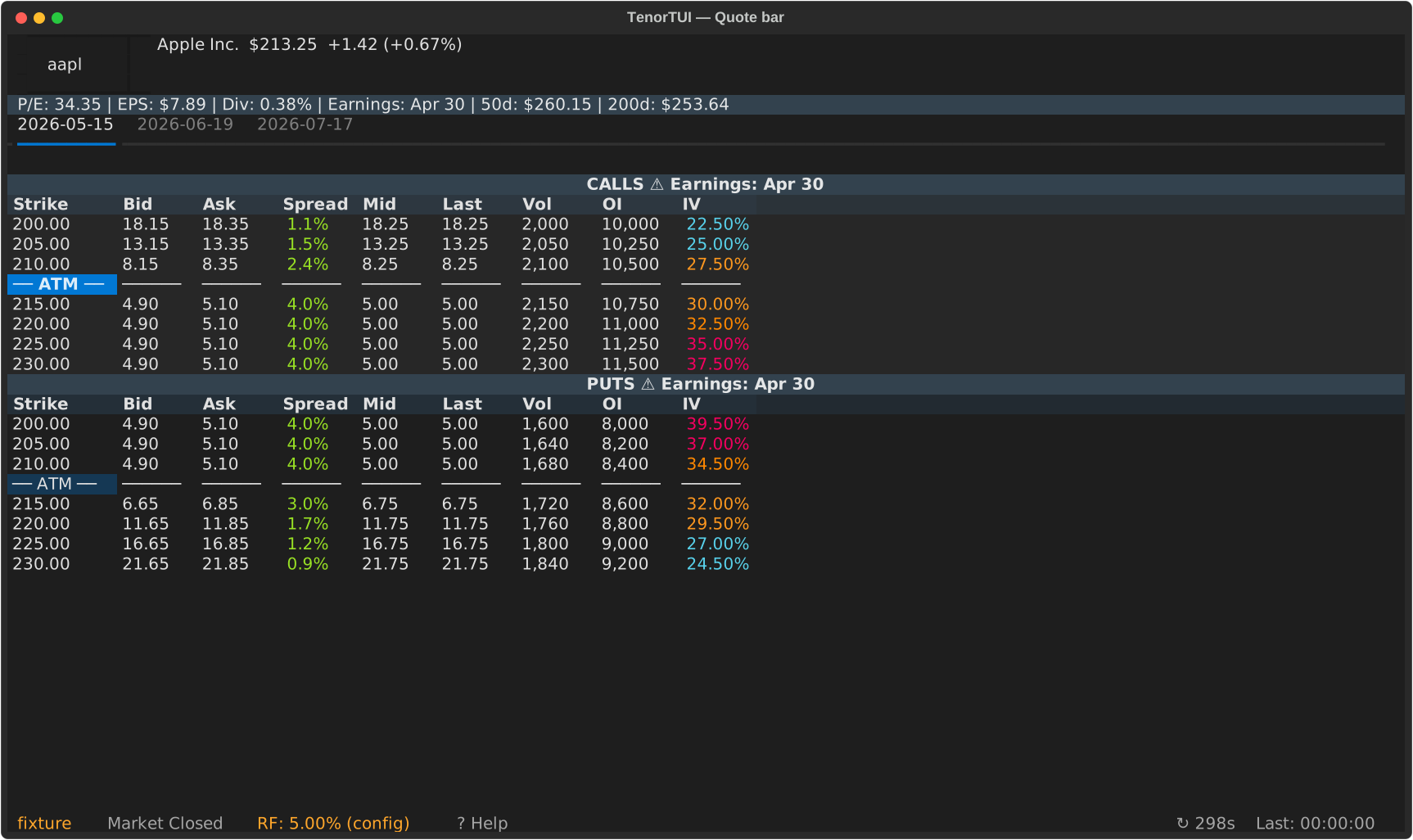
The app opens with a search bar at the top and (after your first ticker) a "Recently Viewed" panel showing your watchlists.
2. Search a ticker
Type a symbol and press Enter:
AAPL
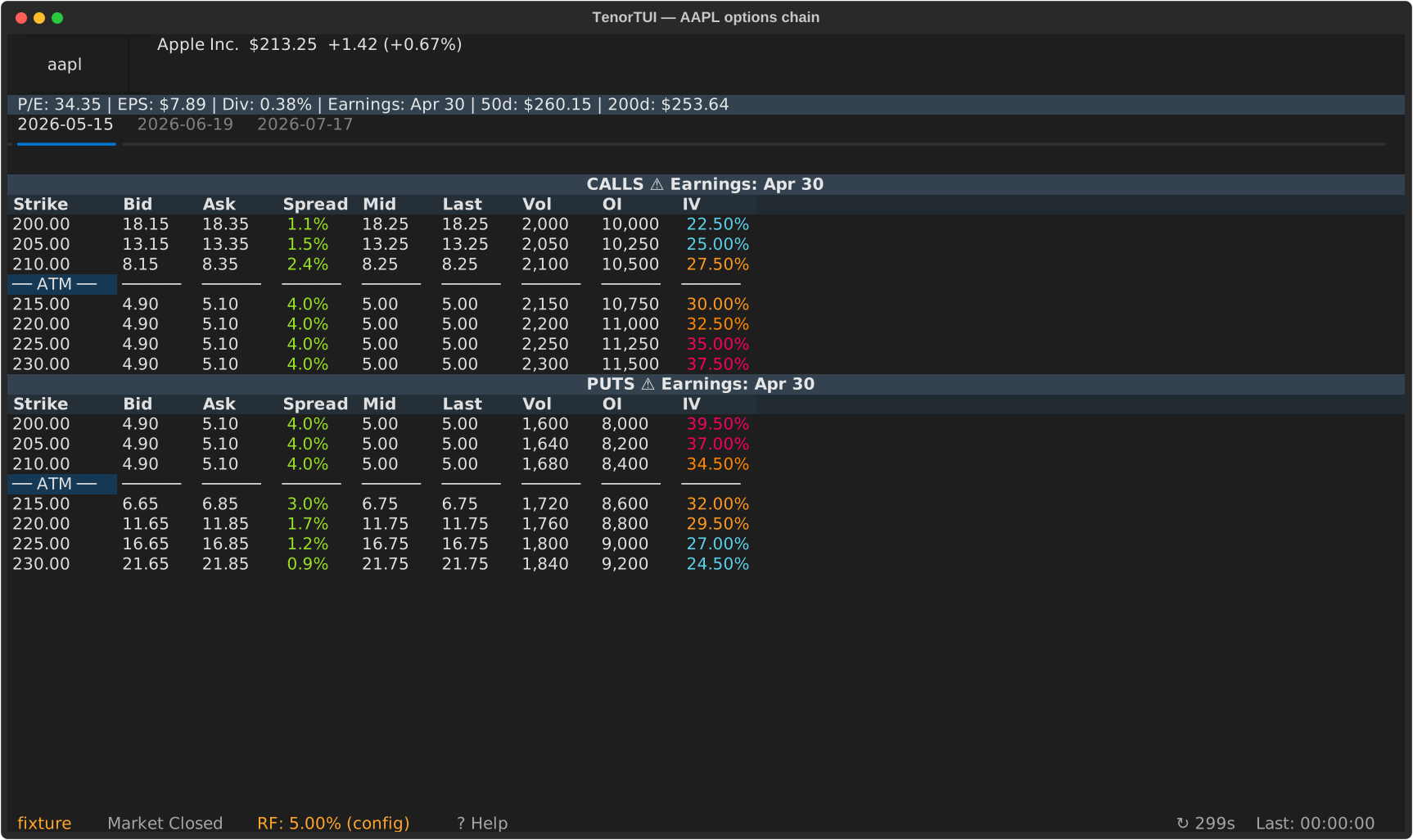
The quote bar populates with the live price, and the options-chain view loads with calls on the left and puts on the right.
3. Switch expiries
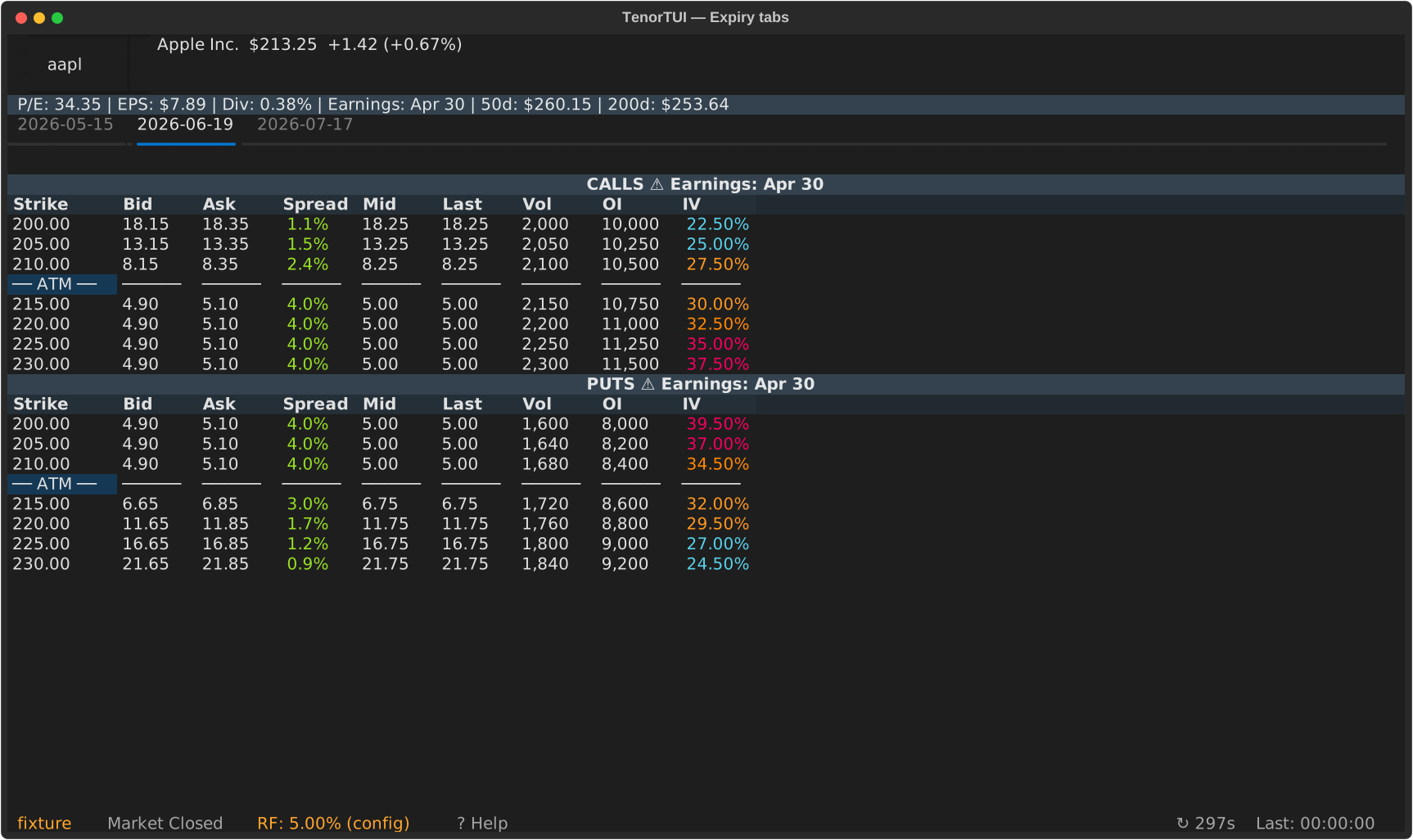
Use ← / → to switch between expiration date tabs.
4. Add to a watchlist
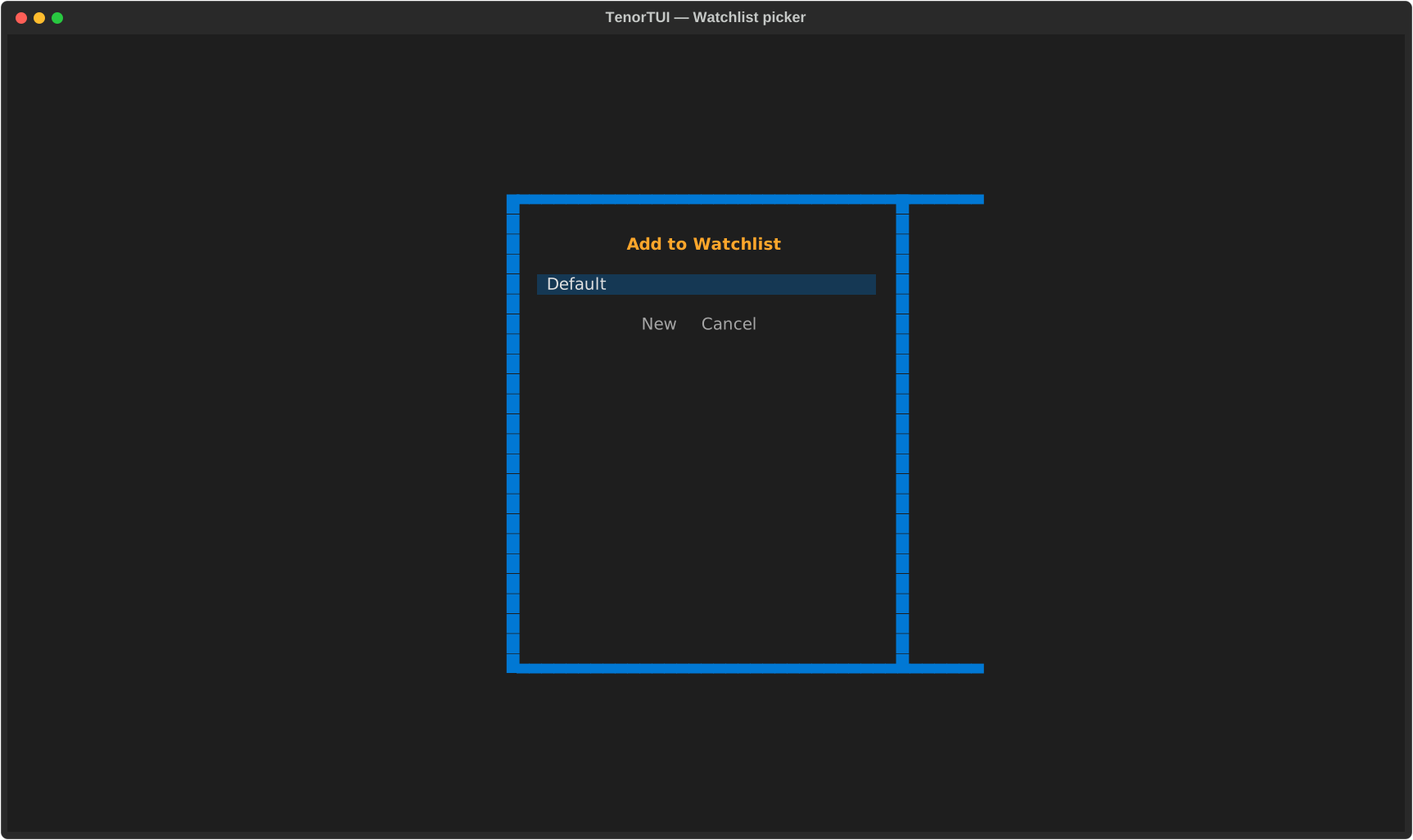
Press w to open the watchlist picker. Pick a list (or create one with W) and the current symbol is added.
See the full keybinding reference in Keybindings.
What's next
- Browse the feature walkthrough to see everything the app can do.
- Read about the available providers and how to configure them.
- Configure persistent options in
~/.config/tenor/config.yaml— see Configuration.